
Branch has improved the default configurations for the domain-specific tabs and auto-save in the Summary page of the Branch Dashboard View 📈
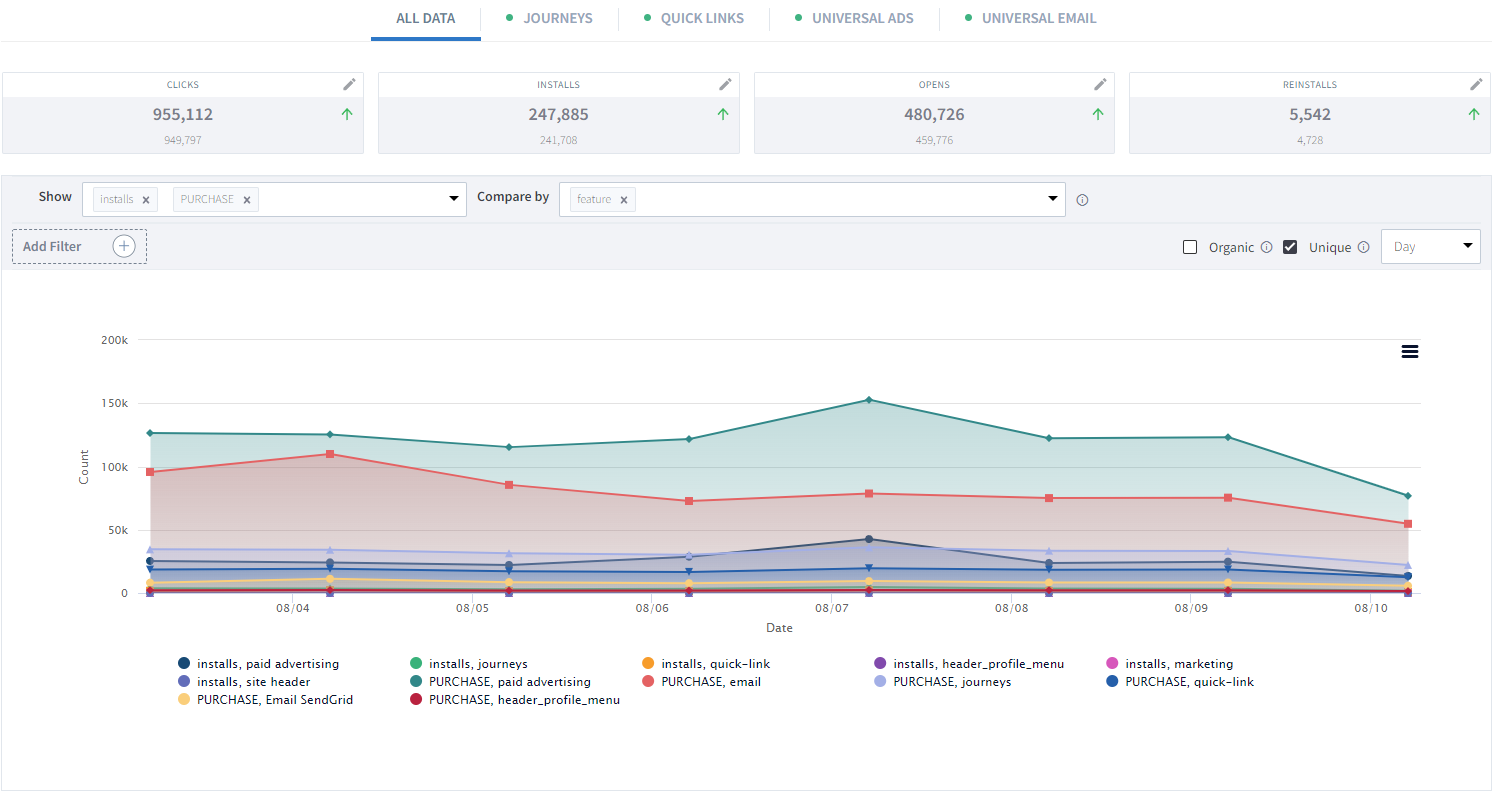
Domain-Specific Defaults
The Summary Page lets you quickly view analytics for All Data or the following domains:
- All Data
- Journeys
- Short Links
- Ads
- Branch Email
When you select one of the specific domains, you'll see an updated default configuration that better reflects that domain's important dimensions and metrics when looking at the chart and table:
| Domain | Show | Compare By | Filter |
|---|---|---|---|
| All Data | installs | campaign | feature equals |
| Journeys | installs | journey name | n/a |
| Short Links | installs | feature | n/a |
| Ads | installs | ad partner and campaign | campaign equals |
| Branch Email | opens | campaign | n/a |
Auto-Save
Additionally, when you make changes to the page (ex. add new dimensions, compare bys, etc.), these changes will auto-save by domain. So the next time you visit the report, you'll be greeted with the metrics you already care about.
Tip
Ready to learn more about the Summary Page? View our guide here: Summary