Overview
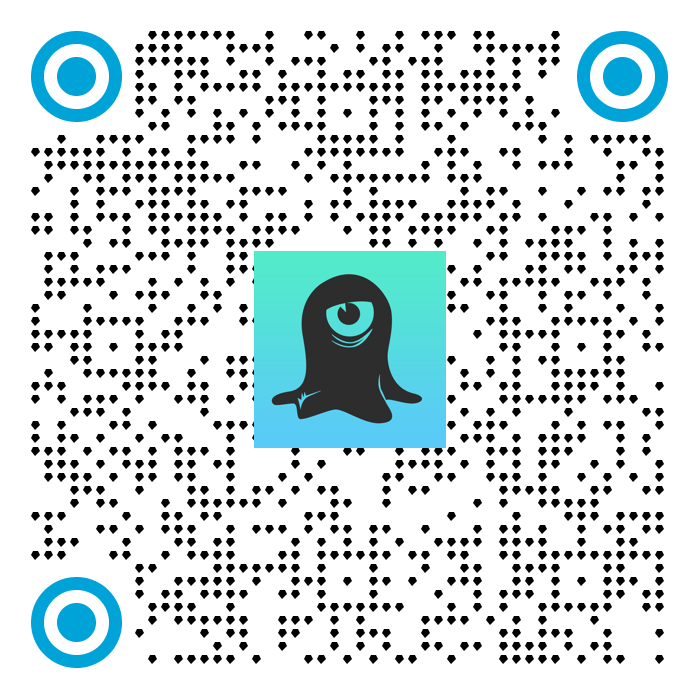
The QR Code API is an HTTP API that you can use to create custom QR codes programmatically. Every QR code contains a unique Branch Link that you can deep link and track analytics with.
Access
Availability varies by Branch plan. See Branch pricing.
Authentication
For calls to the QR Code API, you need your Branch Key.
Legacy Branch
To retrieve your Branch Key in the legacy Branch experience:
- Navigate to the Account → Settings → Profile tab.
- Use the copy icon to copy your Branch Key.
New Branch
To retrieve your Branch Key in the new Branch experience:
- Navigate to the Configuration → Security & Access → Credentials tab.
- Use the copy icon to copy your Branch Key.
Visit our guide to learn more about managing your Branch credentials.
Endpoint
POST /v2/qr-code
Content-Type: application/json
Rate limits
- 25 requests per second
- 100 requests per minute
- 1000 requests per hour
Parameters
| Parameter | Type | Definition |
|---|---|---|
| branch_key (REQUIRED) | String | The Branch Key of the originating app; from your Branch Settings Dashboard |
| data (Optional) | JSON | The dictionary to embed link data behind the QR code. Accessed as session or install parameters from the SDK. Use the data dictionary for all link control parameters that you'll find here. |
| Branch analytics parameters (Optional) | String | It's important to tag your links with an organized structure of analytics labels so that the data appears consistent and readable in Branch. |
| qr_code_settings | JSON | If this nor any of the key/value pairs are not present, we use your app defaults. See the table below for setting details. Required if you want to override QR code properties defined in Branch. |
qr_code_settings
| Parameter | Type | Definition |
|---|---|---|
| code_color | String | Hex color value of the QR code itself. |
| background_color | String | Hex color value of the background of the QR code itself. |
| margin | Integer (Pixels) | The number of pixels you want for the margin (minimum: 0px). The default margin size is 3% of the QR code image's width. |
| width | Integer (Pixels) | Output size of the QR code image (minimum: 300px, maximum: 2000px). Only applicable to JPEG/PNG. |
| image_format | String | PNG, JPEG, or JPG. |
| center_logo_url | String (HTTP URL) | URL to the image you want as a center logo, for example, https://cdn.If you're using a JPEG image, the color space should be RGB. |
| code_pattern | Integer | Instead of the generic/standard QR code pattern we’re used to seeing, you can now use (1) standard, (2) squares, (3) circles, (4) triangles, (5) diamonds, (6) hexagons, and (7) octagons. |
| finder_pattern | Integer | The finder pattern refers to the shape seen in the top left, top right, and bottom left of a QR code. You can now choose between a (1) square, (2) rounded square, or (3) circle. |
| finder_pattern_color | String | Hex color value of the finder pattern, which you can find at https://htmlcolorcodes.com/. |
| background_image_url | String | Layer the QR code on top of a background image. |
| code_pattern_url | String | A direct link to an image, meant to be used as the code pattern itself on the QR code. |
| finder_eye_color | String | Hex color value of the finder eye, which you can find at https://htmlcolorcodes.com/. |
Sample request
curl
curl --request POST \
        --url https://api2.branch.io/v2/qr-code \
        --header 'accept: image/*' \
        --header 'content-type: application/json' \
        --data '
        {
        "qr_code_settings": {
        "code_pattern": 1,
        "finder_pattern": 1,
        "image_format": "png",
        "center_logo_url": "https://cdn.branch.io/branch-assets/1598575682753-og_image.png",
        "width": 300,
        "margin": 1,
        "code_color": "#000000",
        "background_color": "#FFFFFF",
        "finder_pattern_color": "#000000",
        "finder_eye_color": "#000000"
        },
        "branch_key": "key_live_xxxx"
        }
        '
Image output
Note that the output of this cURL request is saved in the current directory as the file name indicated at the end of the request, for example, qr_code.png.
Result