> For the complete documentation index, see [llms.txt](https://help.branch.io/llms.txt).
# Manage Billing
> View and edit billing details in legacy Branch. In new Branch, billing lives under the Account section.
> **Warning**
>
> Please note that this article explains the [legacy Branch experience](https://help.branch.io/marketer-hub/branch-dashboard-overview.md) for managing billing, which is slated for deprecation.
>
> In the [new version of Branch](https://help.branch.io/marketer-hub/new-branch-overview.md), attribution windows are configured under **Account** → [**Billing**](https://help.branch.io/account-hub/billing-manage-new.md).
## Required permissions
In order to view/edit specific billing details, you need to have the correct access and permission level:
| Billing feature | Permission requirement |
| --- | --- |
| • Your Plan
• Usage Statistics
• Subscribed Products | **View** access to **App-level Settings** |
| • Payment Info (credit cards)
• View/download invoices
• Billing contact info | **View** access to **App-level Settings** and **Sensitive Data** |
| • Change plans
• View/download invoices
• Cancel subscriptions | **Edit** access to **App-level Settings** |
| • Add/edit/delete credit card information | **Edit** access to **App-level Settings** and **Sensitive Data** |
For additional details on permissions, view our guide [here](https://help.branch.io/account-hub/default-access-levels-users-roles-permissions.md).
## Access billing features
Navigate to the **Billing** tab in the Branch Dashboard to start using billing features.
### Your plan
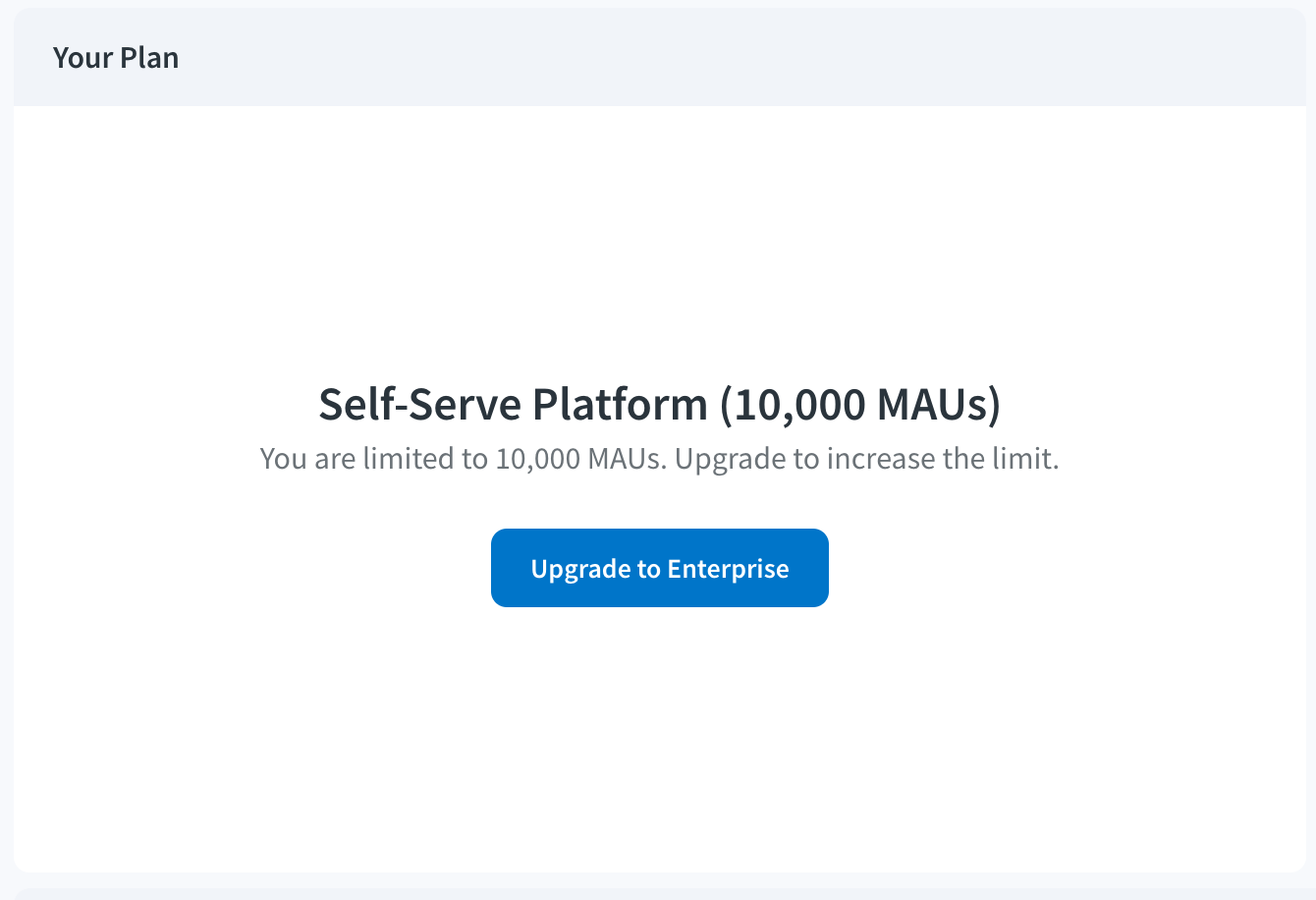
In the **Your Plan** section, you can view your current plan, MAU limit, and monthly cost. Here you will also be able to update your plan by clicking the **Change Plan** button.
### Account summary
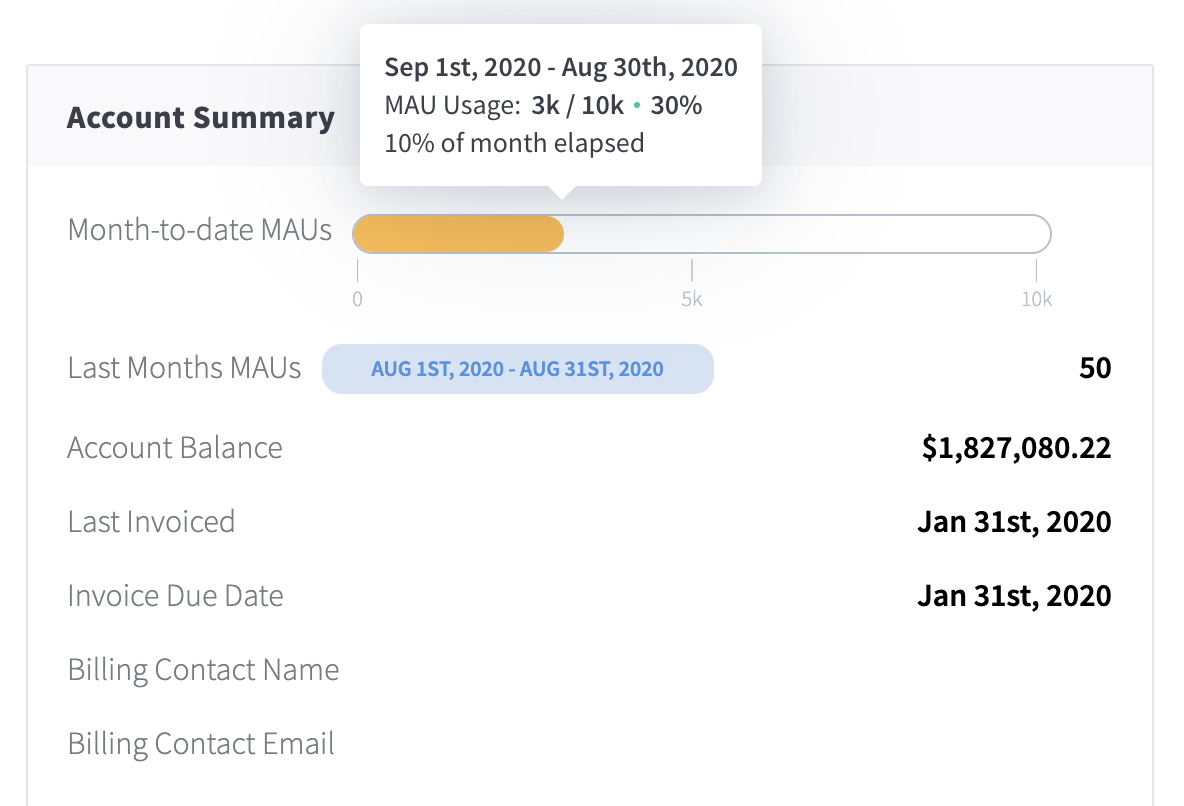
In the **Account Summary** section, you get quick information on your current plan:
- Last Month's MAUs
- Account Balance
- Payment Term
- Billing Cycle Day
- Billing Contact Name
- Billing Contact Email
### Subscribed products
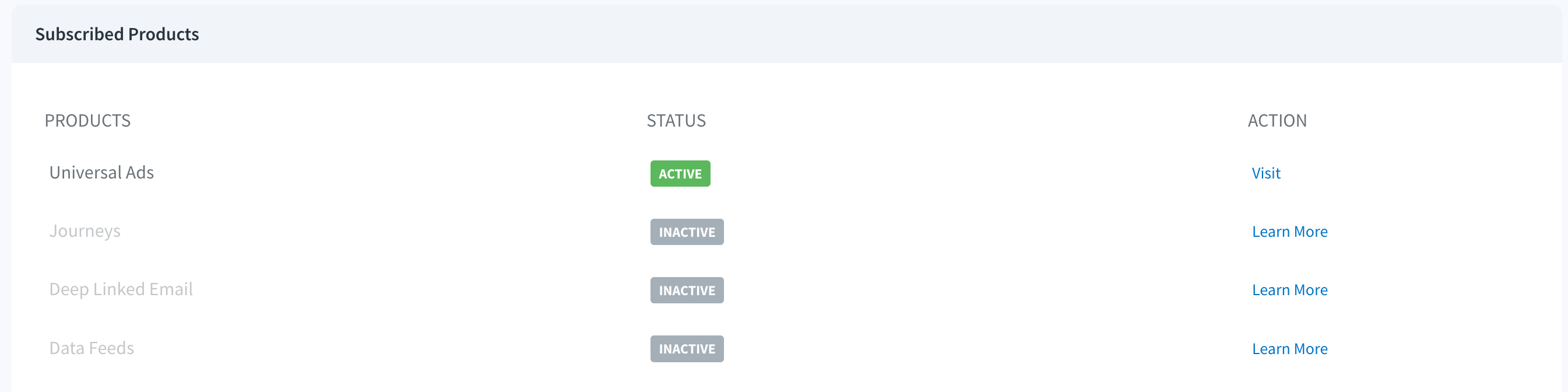
In the **Subscribed Products** section, you can view which Branch products are/aren't activated in your Branch account. Here you will be able to navigate to that product to activate it or start a trial.
### Invoice details
In the **Invoice Details** section, you can view and download your recent invoices.
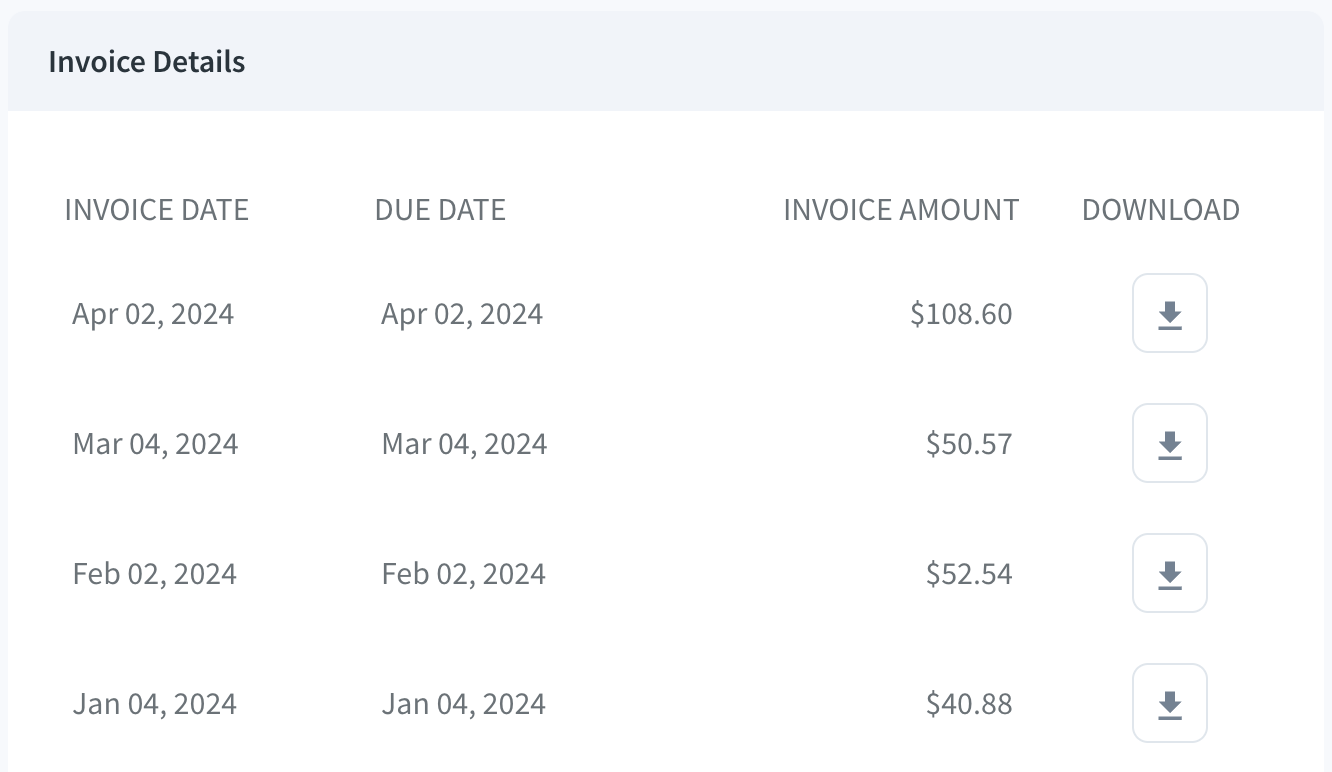
For more details on invoices, view our dedicated guide [here](https://help.branch.io/account-hub/manage-invoices.md).
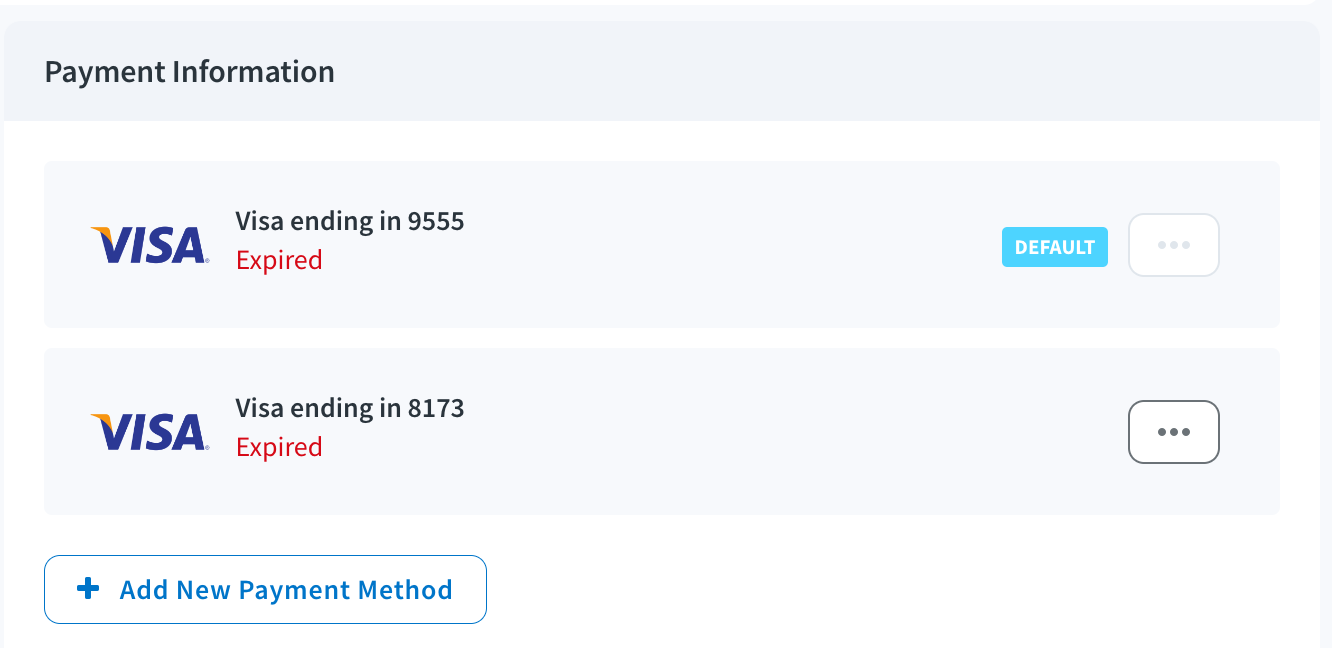
### Payment information
In the **Payment Information** section, you can get a quick view of the current payment methods for your Branch account.